Today, thanks to a customer, I discovered one of those annoying little things that can really drive you nuts.
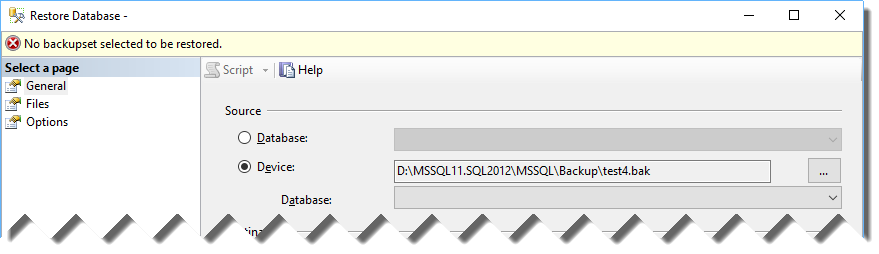
Basically, they were trying to restore a backup using the SSMS Restore Database window and they kept getting “No backupset selected to be restored” whenever a backup file was selected.
You just had to select a file for restore and click OK…
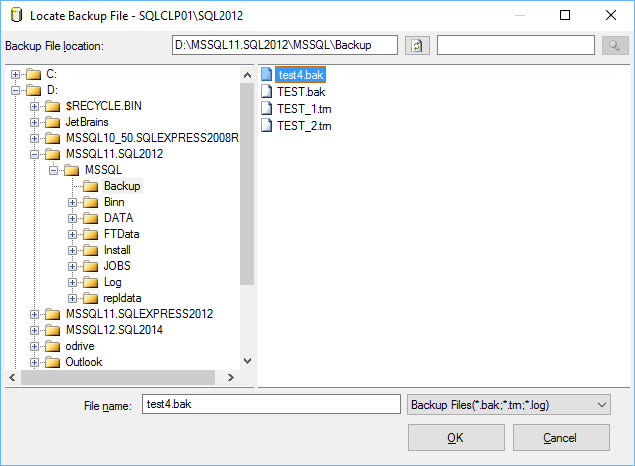
… to be met with an error message in the Restore Database window:
The weird thing about it is that the backup file restored perfectly fine from a T-SQL script:
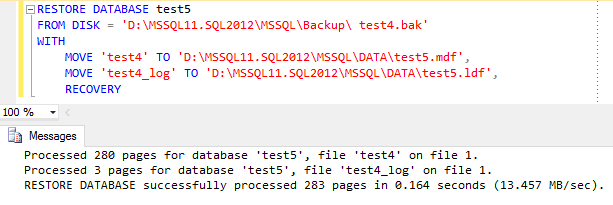
So it had to be something wrong with SSMS, but what?
Looking closer at the restore script, one thing stands out. Look at the file name:
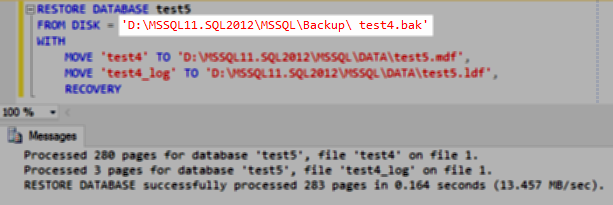
Yep, there’s a leading whitespace in the file name. Could that be the source of the problem?
Let’s try again with the GUI in a slightly different way. This time I will copy the folder path from the “Backup File Location” textbox…
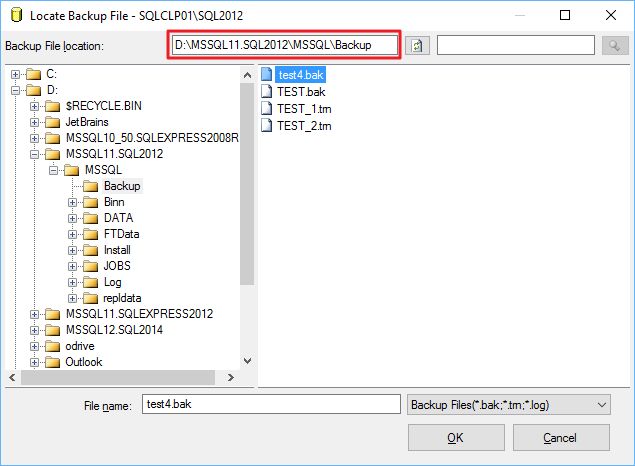
… and paste it directly in the “File name” textbox, right before the file name:
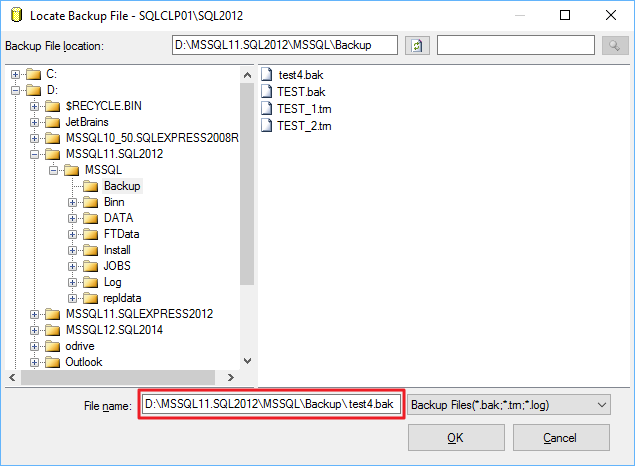
This time everything works as expected.
Bottom line:
- This is a bug in SSMS: go on and vote this Connect item to have it fixed in a future version.
- Don't use the GUI to restore a database.
- Don't use the GUI at all.
Archived WordPress comments (8)
Historical comments from the original site; this archive is read-only.
With the limited amount of testing I was able to do (albeit not with SQL Server) I note that Windows Explorer, Word and Excel for example will strip out a leading space, while I also saw that from a command prompt this is indeed possible. If someone accidentally creates a file with a space in front, then this is unfortunate, however to do it deliberately I suggest again is unwise, and I am sure that SQL Server is not the only tool to react badly in this circumstance.
However I repeat that my intention was not to offend, and I apologise if you felt offended by it.